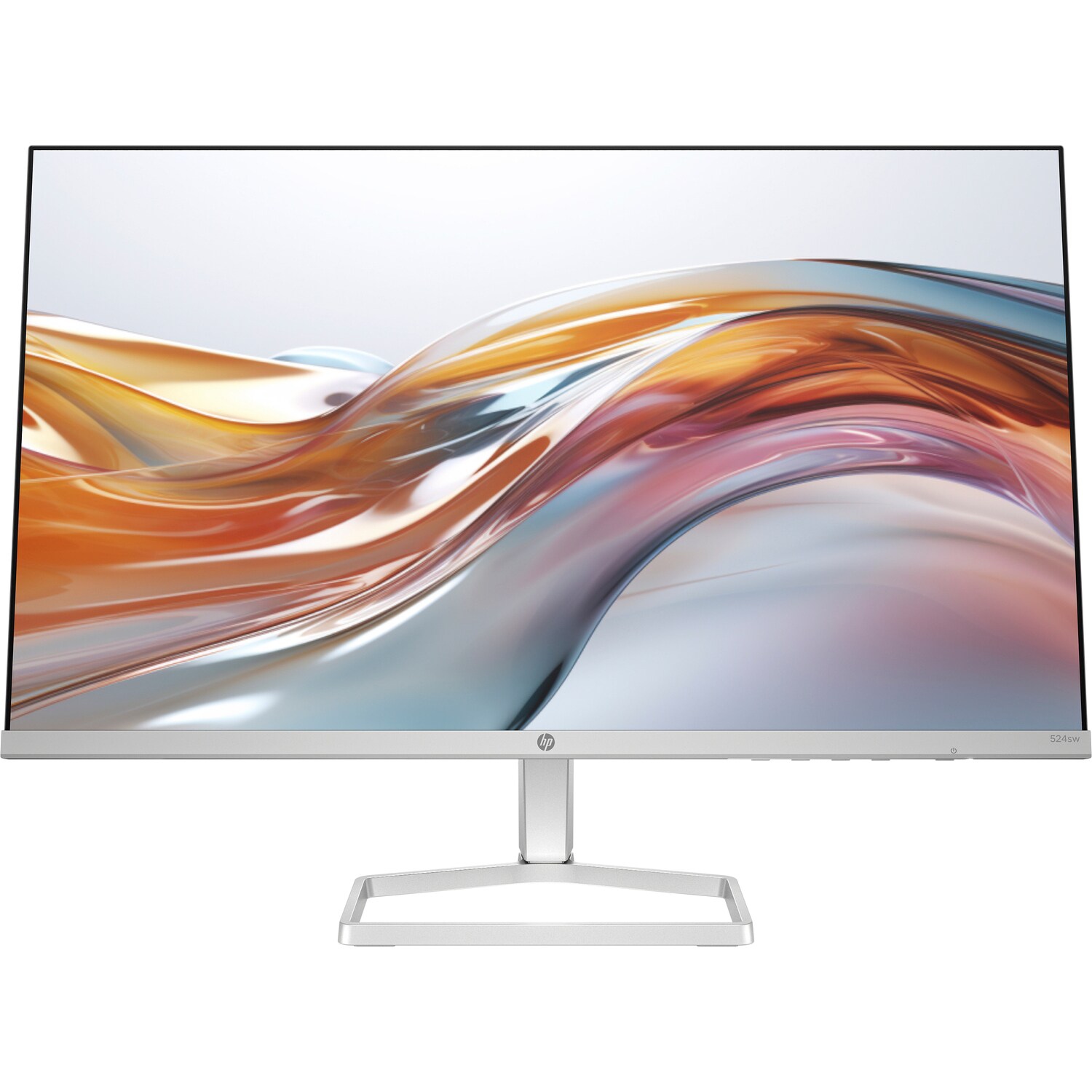
Monitors


Found 6264 items

Page 1 of 261
Computer Monitors
You look at the monitor all workday long. Not at the system unit, not at the keyboard — exactly at the screen. And yet it is often bought last, on a residual basis: "the processor is cool, the video card is fire, and the monitor — just whatever." A strange logic. Because it is the computer monitor that shapes what you see every second: whether it hurts your eyes, whether it conveys colors honestly, whether the picture moves smoothly. A bad screen spoils the impression even from the most powerful PC. That is why a PC monitor should be chosen just as carefully as the internal components of the computer.
A good PC monitor means less eye fatigue, more accurate colors, and simply more pleasant work. And for a gamer — also a real advantage in games where picture smoothness decides. So when you decide to buy a monitor, it's worth understanding at least the basics. Because the varieties of monitors today are such that it's easy either to overpay for unnecessary things or to get the "wrong one" and suffer.
Types of Monitors
Let's break down the main varieties of monitors so you can navigate the catalog confidently.
- Office monitors. The working foundation. Office-class PC monitors are tailored for documents, spreadsheets, browsers, video calls. Without unnecessary frills, but with a picture comfortable for the eyes and an adequate price. For work and study — exactly what is needed. Don't chase "gaming" specs here; you don't need them.
- Gaming monitors. Another story. A gaming monitor means a high refresh rate (144 Hz, 165 Hz, 240 Hz), fast response time, and synchronization technologies (G-Sync, FreeSync) that eliminate screen "tearing". In dynamic games, the difference between 60 and 144 Hz is felt instantly — the picture becomes fluid like butter. Anyone who has tried it never goes back to 60 Hz.
- Monitors for design and color work. For photographers, designers, video editors. The main thing here is accurate color reproduction, a wide color gamut, and factory calibration. An IPS matrix with good coverage is a minimum. Because when you edit a photo, and then it prints in a completely different shade — that's a disaster.
- Large and ultrawide monitors. 21:9, curved, 34 inches and more. They replace two monitors with one solid canvas. Convenient for working with several windows at once, for video, and for immersive gaming. A deeper desk is needed, though — that's worth considering.
- 4K and high-resolution monitors. A clear, detailed picture where pixels are indistinguishable. For graphics work, content consumption, and just quality lovers. Just note: to run 4K in games, a powerful video card is needed. For work, though — it's pure pleasure for the eyes.
How to Choose a Monitor for Your Tasks
There are many parameters, but only a handful are important. Let's go over the main ones.
- Diagonal and resolution. 24 inches with Full HD is a comfortable office standard. 27 inches is better taken with QHD (2K), otherwise, pixels become noticeable. 4K unfolds on 27–32 inches and larger. The main rule: the bigger the screen — the higher the resolution should be.
- Matrix type. IPS — the best colors and viewing angles, an all-rounder for work and games. VA — deep black and contrast, good for movies. TN — fast and cheap, but colors are somewhat pale; today it's a rarity. For most people, the answer is IPS.
- Refresh rate. 60 Hz — enough for work and office. 120–144 Hz and higher — for games and just a smoother system feel. If you are not a gamer, overpaying for 240 Hz makes no sense.
- Response time. For games — the lower, the better (1–5 ms). For the office, it's not critical at all.
- Connectors. HDMI and DisplayPort are the minimum. USB-C with power delivery is a bonus for laptop owners: one cable transmits the picture and charges the laptop. Check that your PC and monitor "agree" on ports.
- Stand ergonomics. Height adjustment, tilt, swivel. A minor thing? Until you sit for eight hours with the screen at chin level and pain in your neck. The ability to raise the monitor to your height is an underestimated comfort.
- Eye protection. Flicker-free technologies and a blue light filter. If you spend the whole day behind the screen — your eyes will thank you by evening.
I'll tell you like it is: people buy the cheapest monitor "just so it shows," and then squint and rub their eyes for years, not understanding why. And the reason is a bad screen with flickering and a poor matrix. How much a normal monitor costs is visible in the product card; and this is the case where paying a little extra means saving your eyesight and nerves.
Advantages of Monitors from the Euro-Parts Catalog
The catalog offers monitors for any task and budget: office, gaming, for design, large, and 4K. Only original brands, only with a warranty. No "grey" supplies of questionable quality.
- wide range: from simple office ones to gaming and professional;
- various diagonals, IPS/VA matrices, Full HD, 2K, 4K resolutions;
- original products from well-known manufacturers with an official warranty;
- consultation — we'll select a model for work, games, or design;
- honest characteristics in each card, without marketing "fluff".
Buying a computer monitor from us means getting a screen for your real tasks, not overpaying for unnecessary numbers on the box.
Why You Should Order From Us
We deliver throughout Ukraine: Kyiv, Kharkiv, Odesa, Dnipro, Lviv, and other cities. We pack monitors carefully so the screen arrives intact. Nova Poshta, courier, pickup. Convenient payment: online card, cash upon receipt, cashless payment for companies.
The goods are in stock, we keep prices adequate, there are regular promotions — so buying monitors profitably is quite realistic. Don't know what is better for your tasks — office or gaming? Write to us, we'll advise in a couple of minutes, honestly and without pushing a more expensive option.
Frequently Asked Questions
What diagonal of a monitor should I choose?
24 inches with Full HD is a comfortable office standard. 27 inches is better taken with a 2K resolution, otherwise, pixels become noticeable. A simple rule: the larger the screen — the higher the resolution should be, otherwise the picture "enlarges" and loses clarity.
Are 144 Hz needed for regular work?
For the office and documents, 60 Hz is enough. 144 Hz and higher provide smoothness that gamers and those who prefer "fluid" scrolling will appreciate. If you do not play dynamic games — there is no sense in overpaying for an ultra-high frequency.
Which matrix is better — IPS or VA?
For the majority — IPS: honest colors and wide viewing angles, an all-rounder for work and games. VA gives deeper black and contrast, good for movies. TN has almost disappeared today. If you are in doubt — take IPS, you will rarely regret it.
Can I connect a monitor to a laptop with one cable?
Yes, if the monitor has a USB-C input with power delivery support. One cable transmits the picture and charges the laptop. Fewer wires on the desk. Just check that both the laptop and the computer monitor support this function.
Summary
A good monitor means healthy eyes, honest colors, and pleasant work every day. After all, you look at it more than anything else on the PC — so why not make this screen comfortable? Choose a model, check the price and availability, or leave a request — we'll call you back and help. Ready? Click "buy a PC monitor" — and feel the difference at first glance.
Return to viewed items
Go to catalog →