


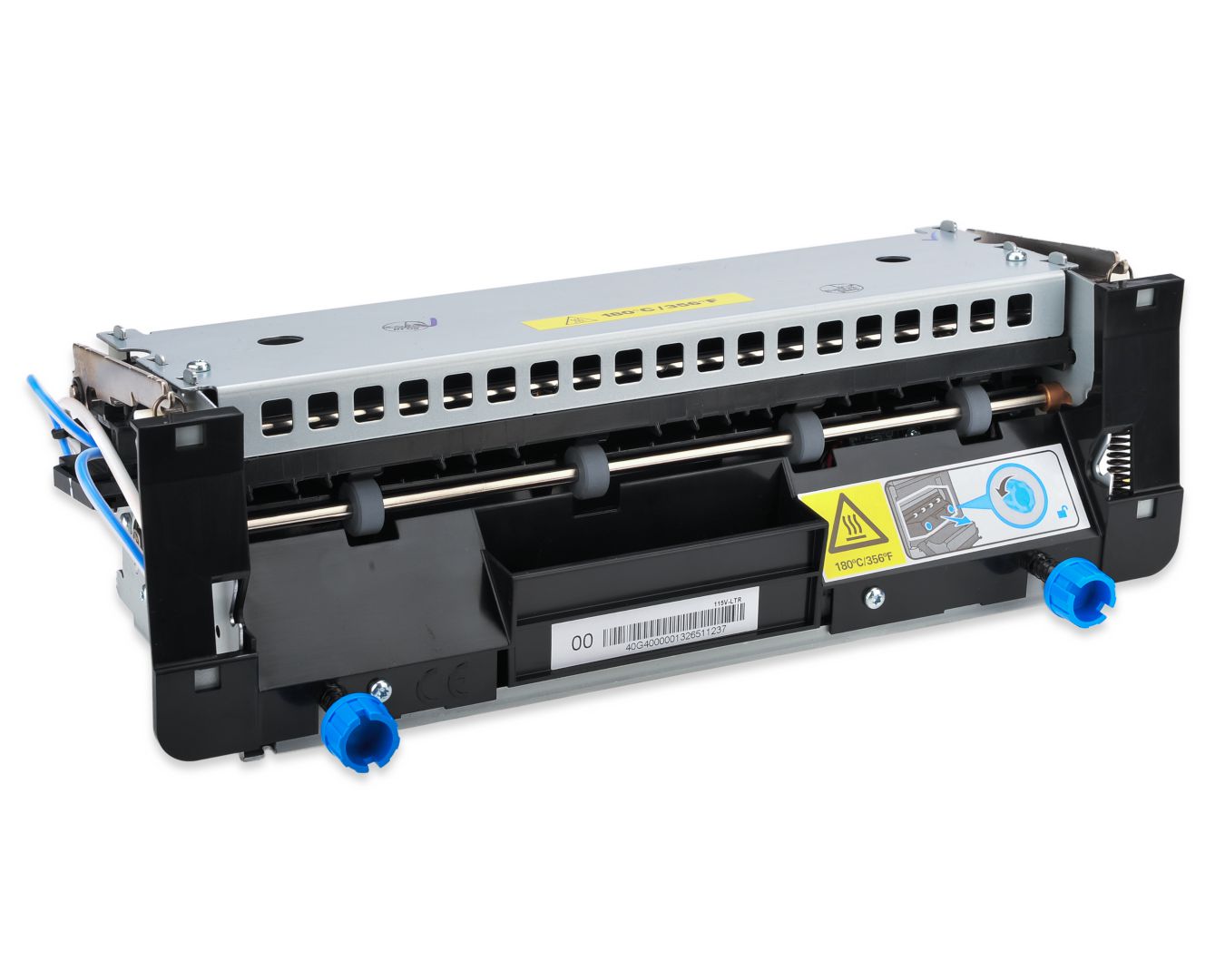
ID: 100006524
Fuser Unit LRP program Lexmark 40X7744

OEM Number
EAN
5711045687754
Best price
21 715 ₴
incl. VAT
In stock: 1-4 pcs
Delivery: 2–4 weeks
The operator panel displays the message 80 “Replace maintenance kit” at required maintenance intervals. You must replace the fuser at this interval to maintain the print quality and reliability of the printer.
Check the 2 digit type code on the fuser, or check Device Information using the embedded web server or the menus page for a replacement part number.
There are multiple warnings to indicate that the fuser is nearing end of life and that a maintenance kit is required, including error codes 80.0x, 80.1x, and 80.2x. If you receive error code 80.3x, the fuser has reached its rated life and the printer stops until a maintenance kit is installed. You must install the correct Fuser Maintenance Kit for the type of fuser that is installed in the printer.
Check the 2 digit type code on the fuser, or check Device Information using the embedded web server or the menus page for a replacement part number.
There are multiple warnings to indicate that the fuser is nearing end of life and that a maintenance kit is required, including error codes 80.0x, 80.1x, and 80.2x. If you receive error code 80.3x, the fuser has reached its rated life and the printer stops until a maintenance kit is installed. You must install the correct Fuser Maintenance Kit for the type of fuser that is installed in the printer.
Recommended products

You also viewed
To catalog →
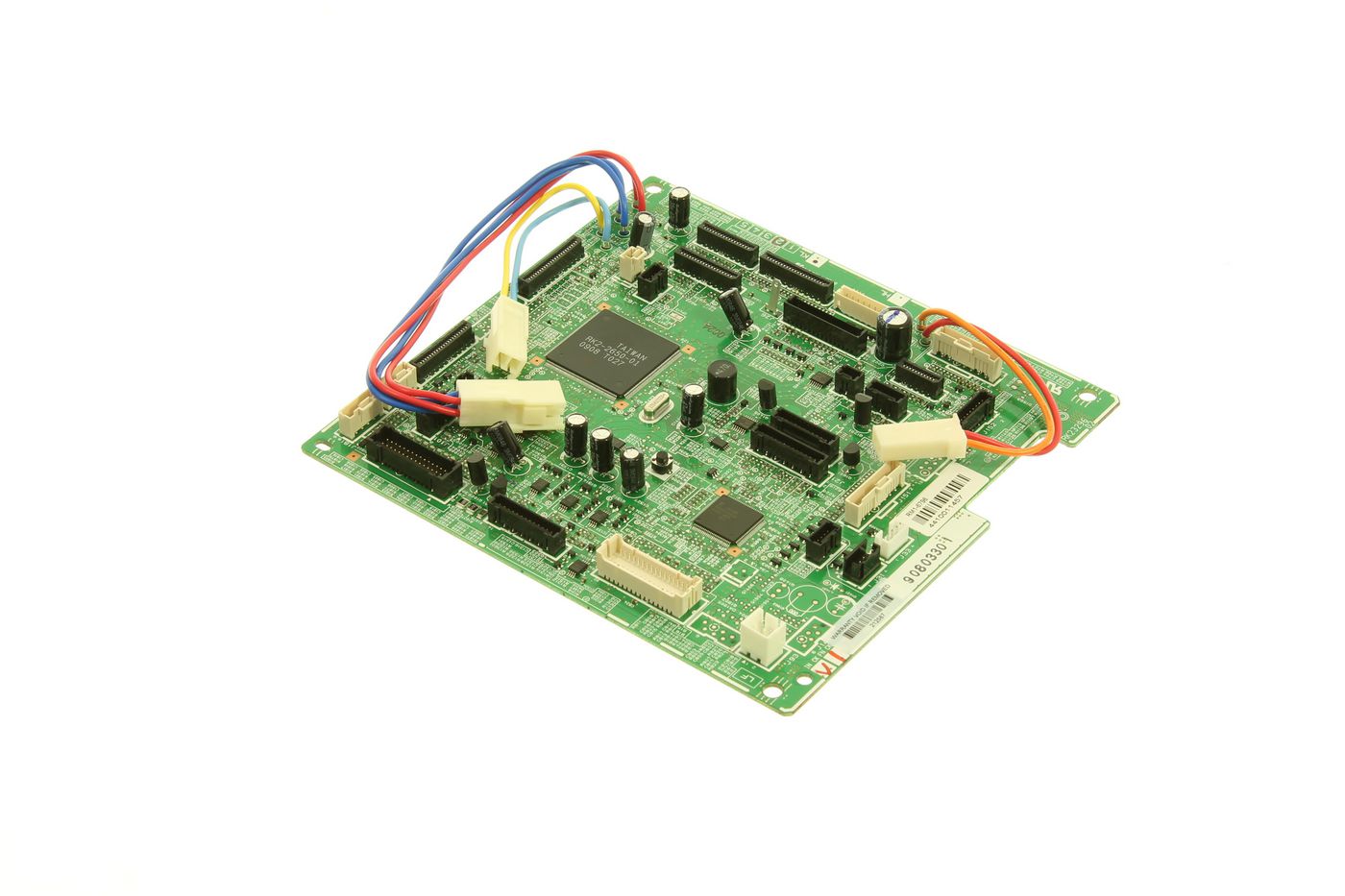
HP / MPN: RM1-6796-110CN
ASSY-DC CONTROLLER SIMPLEX
7 554 ₴
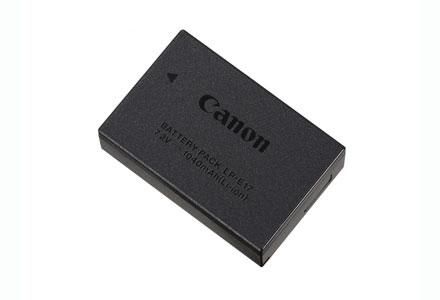
Canon / MPN: 9967B001
LP-E17
Price on request

Xerox / MPN: 952K43150
HARNESS ASSEMBL
Price on request

Ricoh / MPN: M0AN1099
COMPRESSION SPRING:LOCK:PCU
Price on request

CipherLab / MPN: RK26EW00000R1
RK26 Series 1-year Extension
Price on request
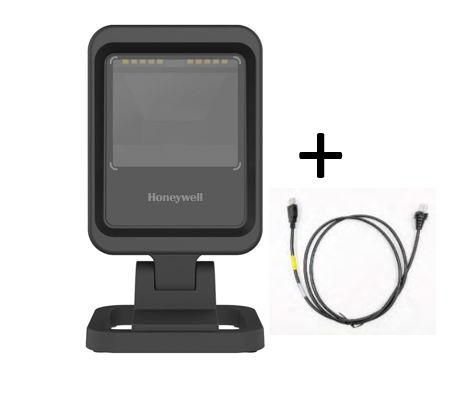
Honeywell / MPN: 7680GSR-2USB-1-R
Genesis XP USB Kit: Tethered,
Price on request