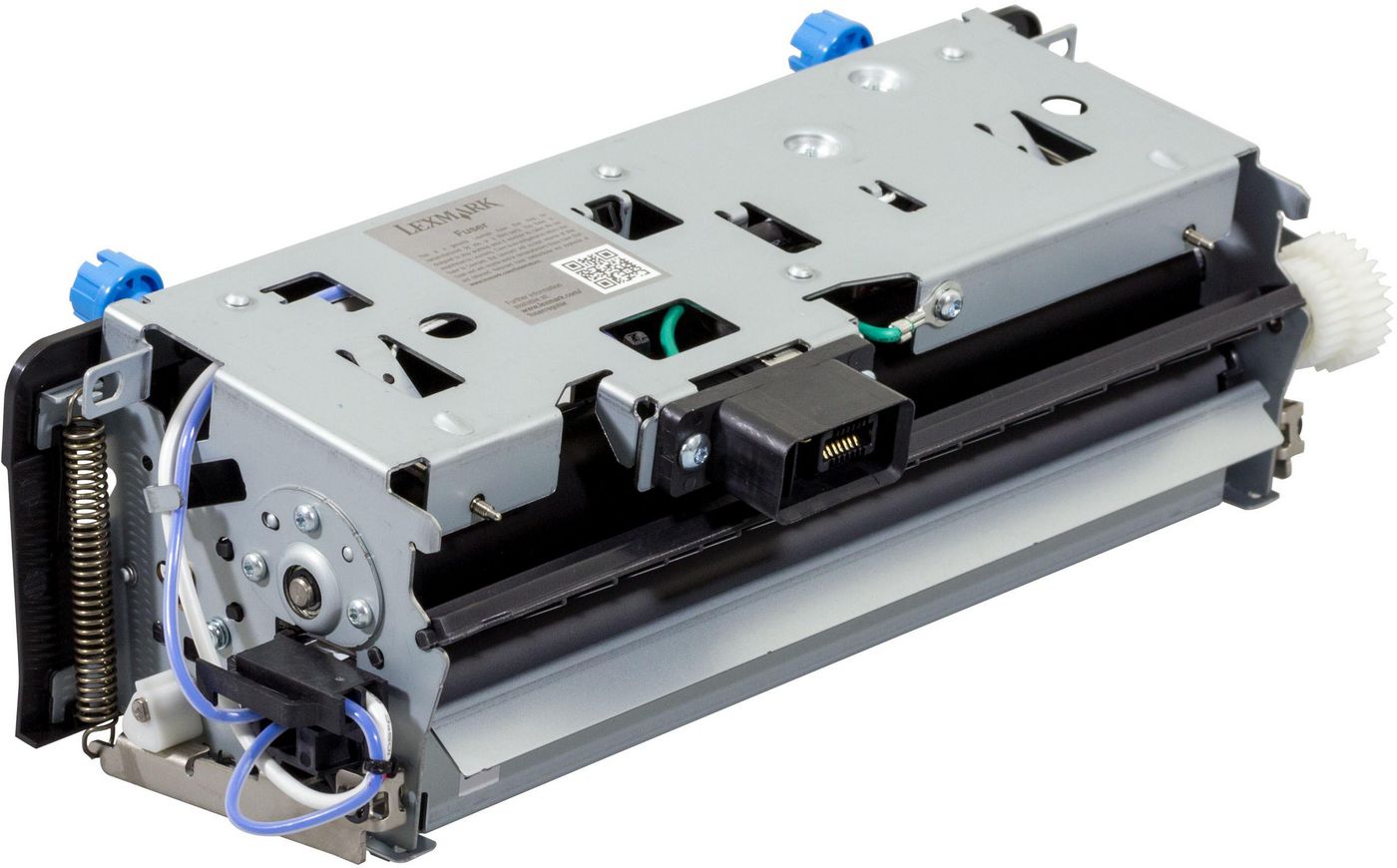
ID: 100006525
Fuser Unit 220V Lexmark 40X8017

OEM Number
EAN
5711045682988
Best price
22 960 ₴
incl. VAT
In stock: 5-9 pcs
Delivery: 2–4 weeks
The operator panel displays the message 80 “Replace maintenance kit” at required maintenance intervals. You must replace the fuser at this interval to maintain the print quality and reliability of the printer.
Check the 2 digit type code on the fuser, or check Device Information using the embedded web server or the menus page for a replacement part number.
There are multiple warnings to indicate that the fuser is nearing end of life and that a maintenance kit is required, including error codes 80.0x, 80.1x, and 80.2x. If you receive error code 80.3x, the fuser has reached its rated life and the printer stops until a maintenance kit is installed. You must install the correct Fuser Maintenance Kit for the type of fuser that is installed in the printer.
Check the 2 digit type code on the fuser, or check Device Information using the embedded web server or the menus page for a replacement part number.
There are multiple warnings to indicate that the fuser is nearing end of life and that a maintenance kit is required, including error codes 80.0x, 80.1x, and 80.2x. If you receive error code 80.3x, the fuser has reached its rated life and the printer stops until a maintenance kit is installed. You must install the correct Fuser Maintenance Kit for the type of fuser that is installed in the printer.
Recommended products
Lexmark / MPN: 40X9669
300K Maintenance Kit
33 803 ₴
Lexmark / MPN: 50F2U0E
Cartridge High Yield Corporate
36 341 ₴
Lexmark / MPN: 55B2H0E
CORPORATE TONERCARTR BLACK-15K
22 186 ₴
Lexmark / MPN: 40X8568
CS51x Adapter KOREAN Font
5 060 ₴
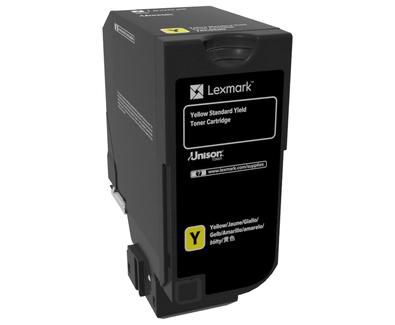
Lexmark / MPN: 74C0S40
Cs720 Toner Cartridge 1 Pc(S)
24 758 ₴
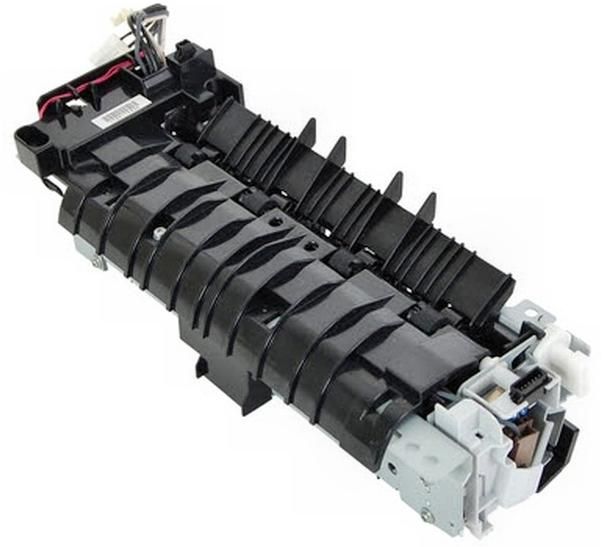
HP / MPN: RM1-8508-010CN
FUSER ASSEMBLY UNIVERSAL
10 645 ₴